

Why you’re here
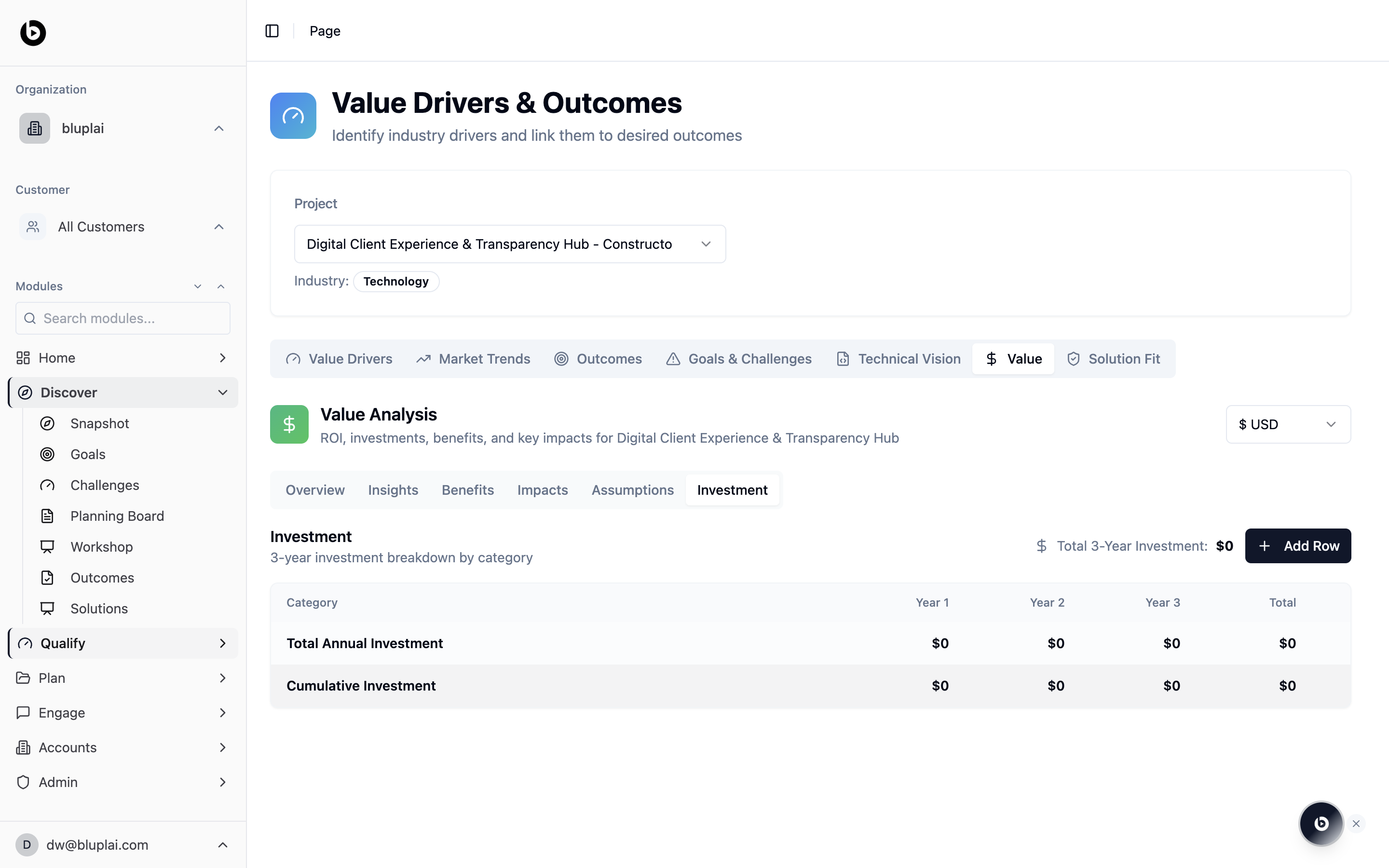
A business case isn’t credible without the cost side. Investments is the sub-tab of Value where you itemise spend across the analysis period — software, services, internal effort, anything that lands in the denominator of ROI. Keeping it in the workspace means the customer sees exactly what was assumed, not a number that appeared in a slide.What you’ll see
Investment is the Investment sub-tab inside the Value tab, alongside Overview, Insights, Benefits, Impacts, and Assumptions. It opens on a 3-year investment breakdown by category table:- Columns: Category, Year 1, Year 2, Year 3, Total
- Default rows: Total Annual Investment and Cumulative Investment, each showing
$0until data is added - A Total 3-Year Investment summary in the top right (starts at
$0) - An Add Row button for extending the breakdown with new cost categories
When to use it
- Translating a proposal into the cost rows behind the ROI number
- Showing the customer a clean year-by-year view of spend
- Modelling scenarios — add rows, adjust years, watch cumulative update
- Aligning procurement and finance ahead of a commercial conversation
Next
Value
See how investments feed ROI, benefits, and impacts.
Solution fit
Validate the capability and adoption side of the case.