

Why you’re here
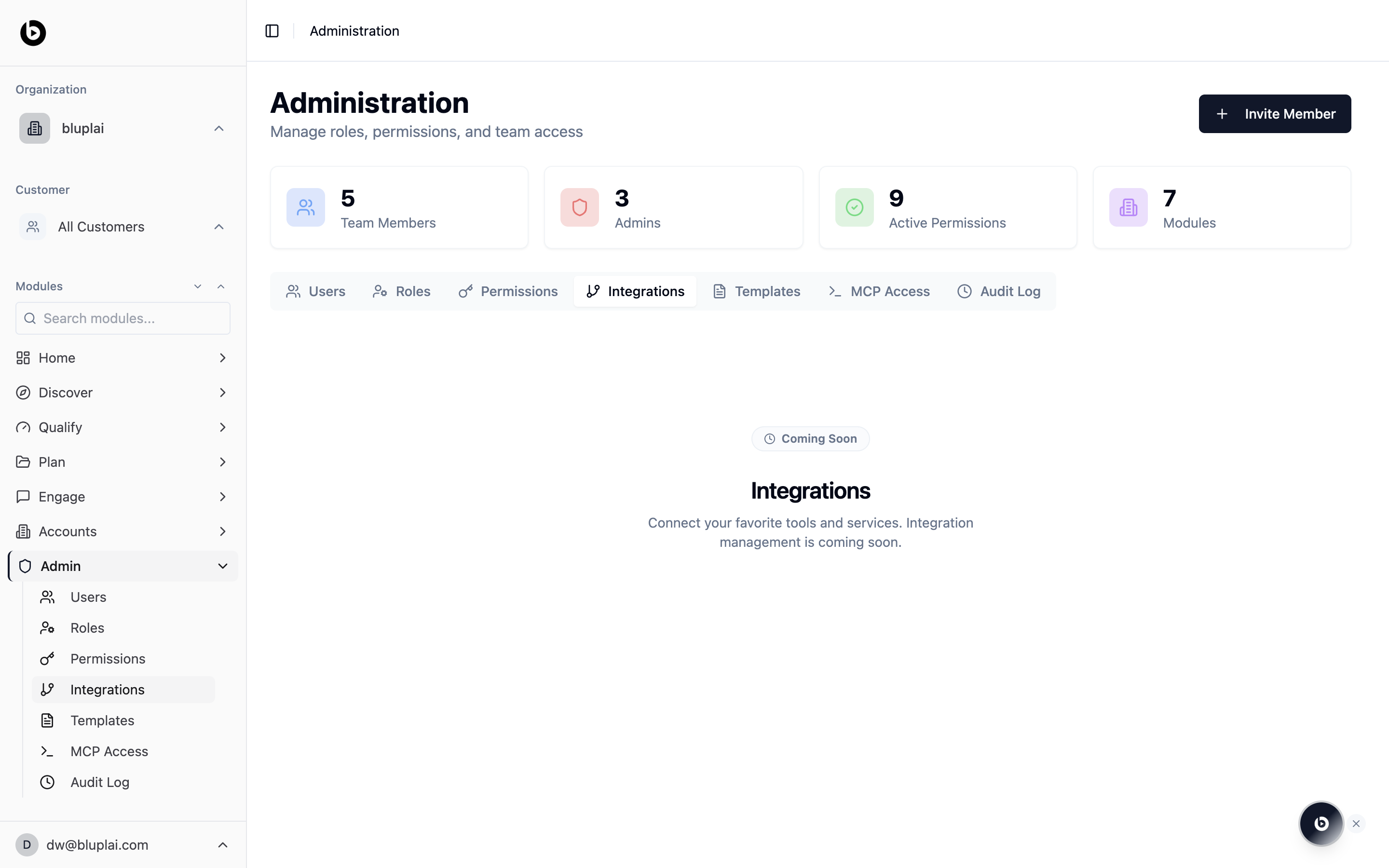
Bluplai is the shared layer between your team and your customer, not a replacement for everything else. Integrations is where you’ll wire the workspace into your CRM, Slack, and the rest of the tools your team runs on so data flows in and out without copy-paste.What you’ll see
The catalogue includes Notion, HubSpot, Granola, Salesforce, Slack, and Google Drive. You can also add any compatible remote Streamable HTTP MCP server. Each connection is scoped to your organisation, while OAuth account grants remain per-user. Providers that require a registered OAuth app show a setup step before account sign-in. Add the callback URL displayed by Bluplai to the provider app, then enter the client credentials. Secrets are encrypted and never shown again.When to use it
- You want every account in your CRM to show up automatically as an account in Bluplai
- You want Slack to receive updates when a project, stakeholder, or plan changes
- You’re evaluating whether Bluplai can fit alongside your existing stack
- You want to revoke or re-authenticate a connector
Creating an integration
Open Admin → Integrations and select Connect. Notion and Granola support automatic OAuth client registration. HubSpot, Slack, and Google Drive require an OAuth client ID and secret. Salesforce requires an External Client App consumer key; Bluplai defaults to Salesforce’s mutation server, which supports reads, creates, and updates but not deletes. After signing in, Bluplai discovers the provider’s tools. Admins can enable or disable each tool and correct its read/write classification. Write tools always pause for user approval before execution. Use Add custom MCP server for another remote Streamable HTTP server. Custom tools start disabled until an admin reviews them.Next
MCP access
Issue a token so Claude, Claude Code, and other MCP clients can read and write in your workspace today.
Templates
Standardise the documents and playbooks your team runs before you wire in the rest of the stack.