

Why you’re here
Plan is where commitments become execution. Initiatives, actions, timelines, milestones, risks, governance — all structured, trackable, always up to date. A commitment captured in a meeting is instantly structured as an initiative in the plan, so a CS team or partner logs in and sees tasks, actions, and timelines already defined — no handoff call, no rebrief. That reduces onboarding and handoff time by 30–50%, avoids rework from fragmented context, and accelerates time-to-value. This is where Customer Success, Consulting, Marketing, and Partners align, and where the deliverables you pull into executive summaries come together. Execution starts with context already in place.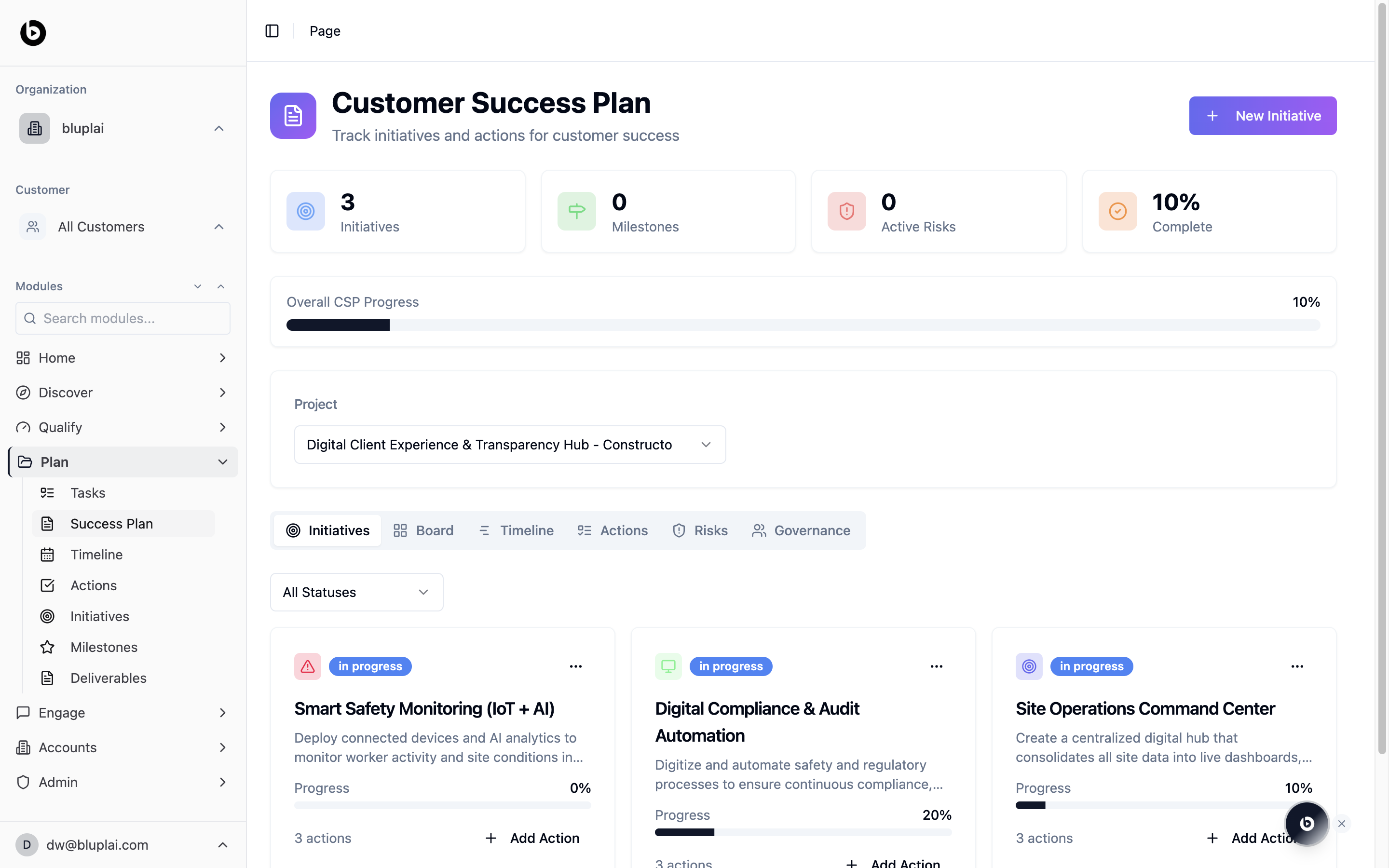
What you’ll see
- Four summary counters at the top: Initiatives, Milestones, Active Risks, and Complete percentage.
- An Overall CSP Progress bar.
- A Project selector that scopes everything below to a single project.
- A tab bar for Initiatives, Board, Timeline, Actions, Risks, and Governance.
- A New Initiative button in the top right.
Initiatives, Board, Timeline, Actions, Risks, and Governance are tabs of this same page — the URL changes to
/csp?tab=board, /csp?tab=timeline, and so on as you switch. Tasks, Milestones, and Deliverables are separate top-level pages.A Customer Success Plan is created automatically when a project is created. Use New Initiative on this page to start populating it.
Tabs
Initiatives
The default view. Workstreams with status, progress, and action counts — the spine of the success plan. See Initiatives for the full breakdown.Board
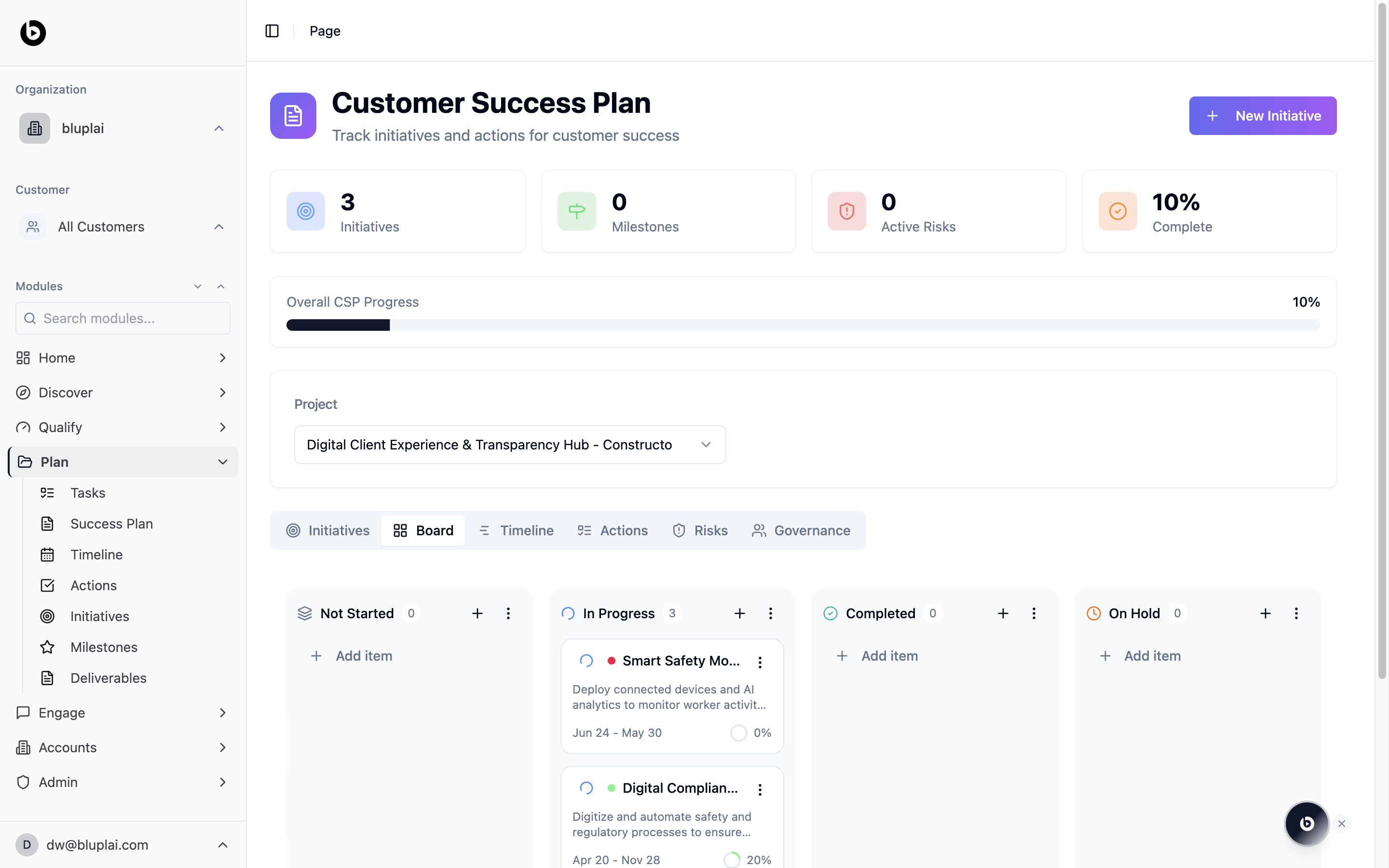
Timeline
The schedule view. Initiatives and their actions on a Gantt-style calendar grid. See Timeline for the full breakdown.Actions
A flat, filterable list of every action across every initiative in the project. See Actions for the full breakdown.Risks
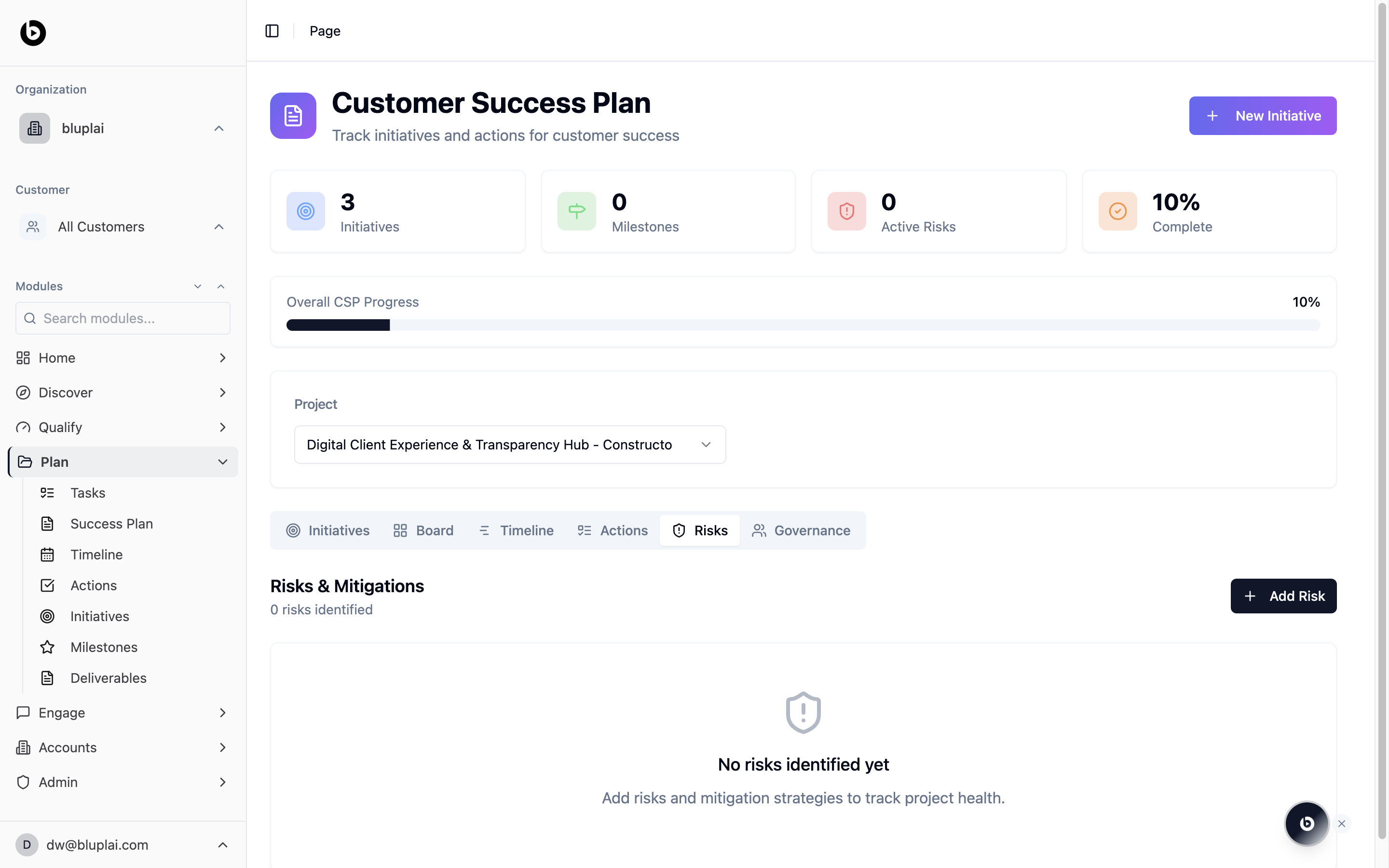
Governance
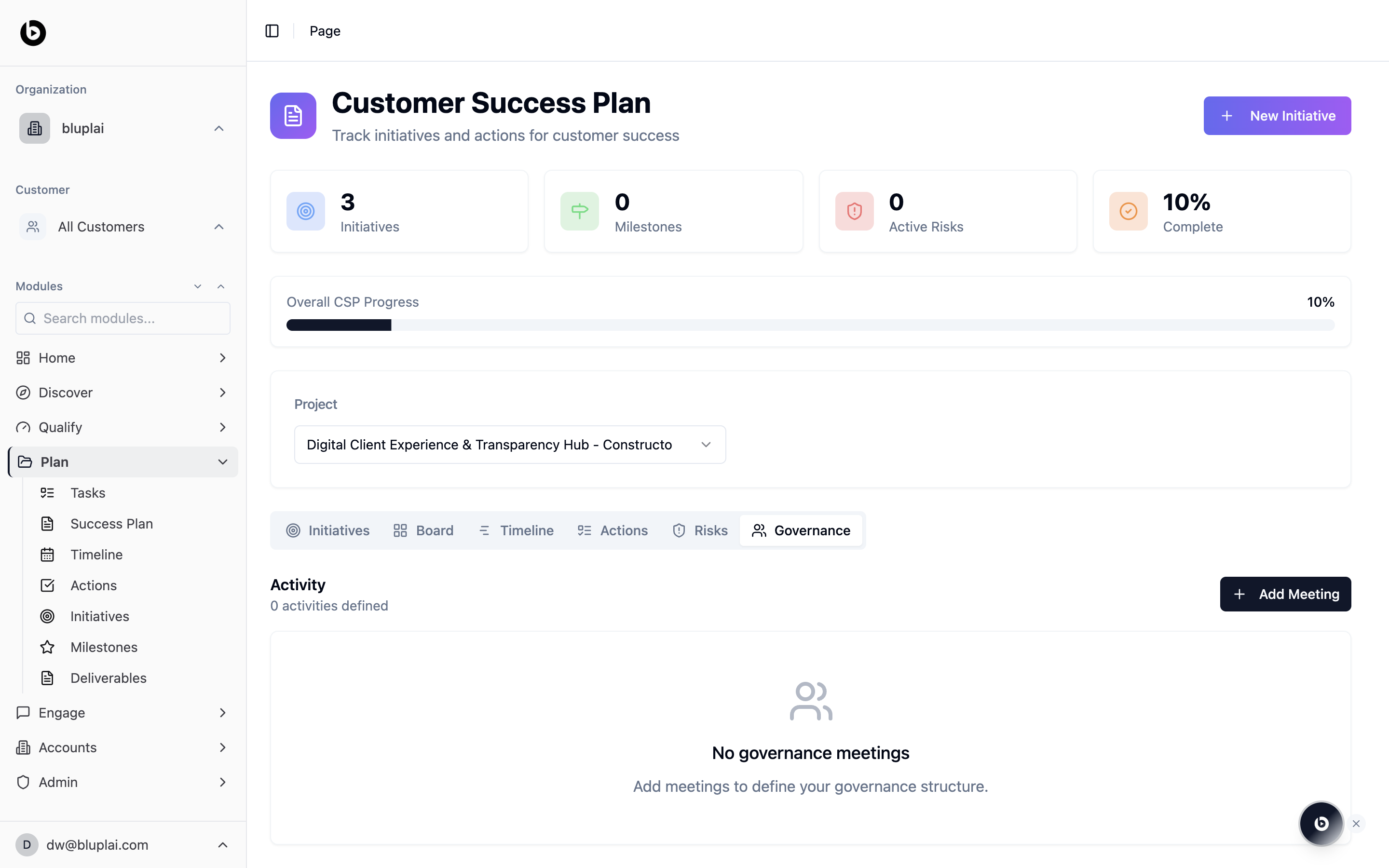
When to use it
- Open the CSP at the start of a project to stand up initiatives and actions.
- Review overall progress before a customer steering meeting.
- Flip between tabs to move from strategy (Initiatives) to schedule (Timeline) to execution (Actions).
- Log risks and governance meetings so they don’t live in side channels.
- Add a new initiative when a fresh workstream is greenlit.
Next
Initiatives
Dive into the workstreams that make up this plan.
Timeline
See the same plan laid out by date.
Actions
Work the flat execution list across initiatives.
Milestones
Track the checkpoints that matter to the customer.