

Why you’re here
Activity Feed is the audit trail for the whole workspace — every create, update, and completion rolled into one timeline. Open it when you came back from vacation and need to catch up, when you want to see who changed what before a steering call, or when a customer asks “when did that get updated?” and you need a real answer.What you’ll see
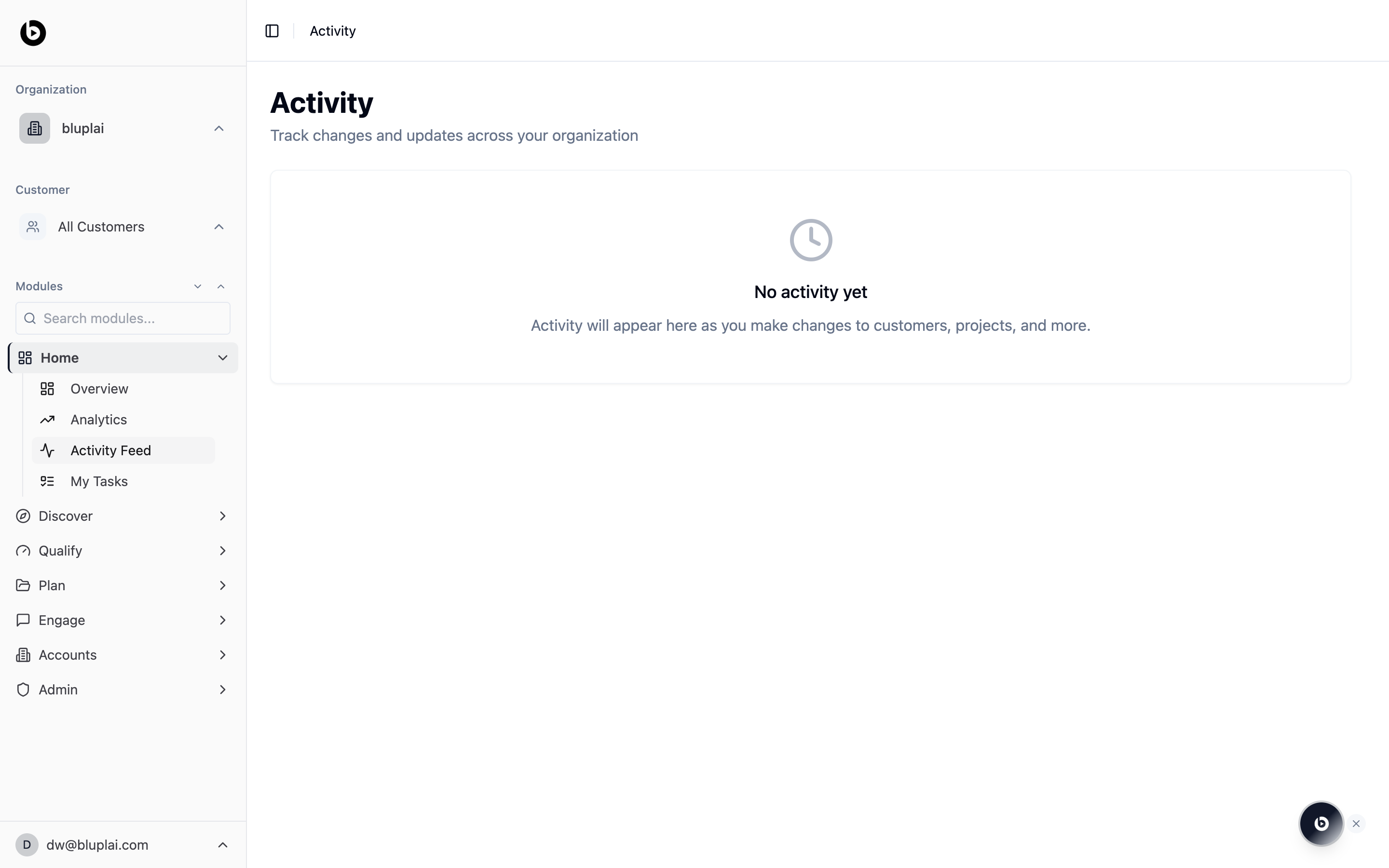
- A page header titled Activity with the subtitle “Track changes and updates across your organization.”
- A chronological list of entries across every module — accounts, projects, initiatives, stakeholders, surveys, and more.
- An empty state that reads “No activity yet — Activity will appear here as you make changes to accounts, projects, and more.” New workspaces start here until the first edit lands.
The feed is organization-scoped. You only see activity for the accounts and projects inside your current organization — switching organizations in the sidebar re-scopes the feed.
When to use it
- Catch up on what moved while you were out of the office.
- Trace the history of a single project or stakeholder before a handoff.
- Verify that a teammate’s update actually landed after a working session.
- Answer an audit or compliance question about when a record changed.
Next
Overview
See portfolio totals alongside the Activity Trends chart.
My tasks
Jump from what changed to what you need to do next.