

Why you’re here
The Workshop section sits further down the Discover page and is the space for running structured collaborative sessions with the customer — the kind of working meeting where you walk through goals, map challenges, and align on direction together. Where Planning Board is for raw capture, Workshop is for facilitated sessions with an agenda and an output. What you produce here feeds the rest of Discover: snapshot items, goals, challenges, and outcomes all get cleaner after a good workshop.What you’ll see
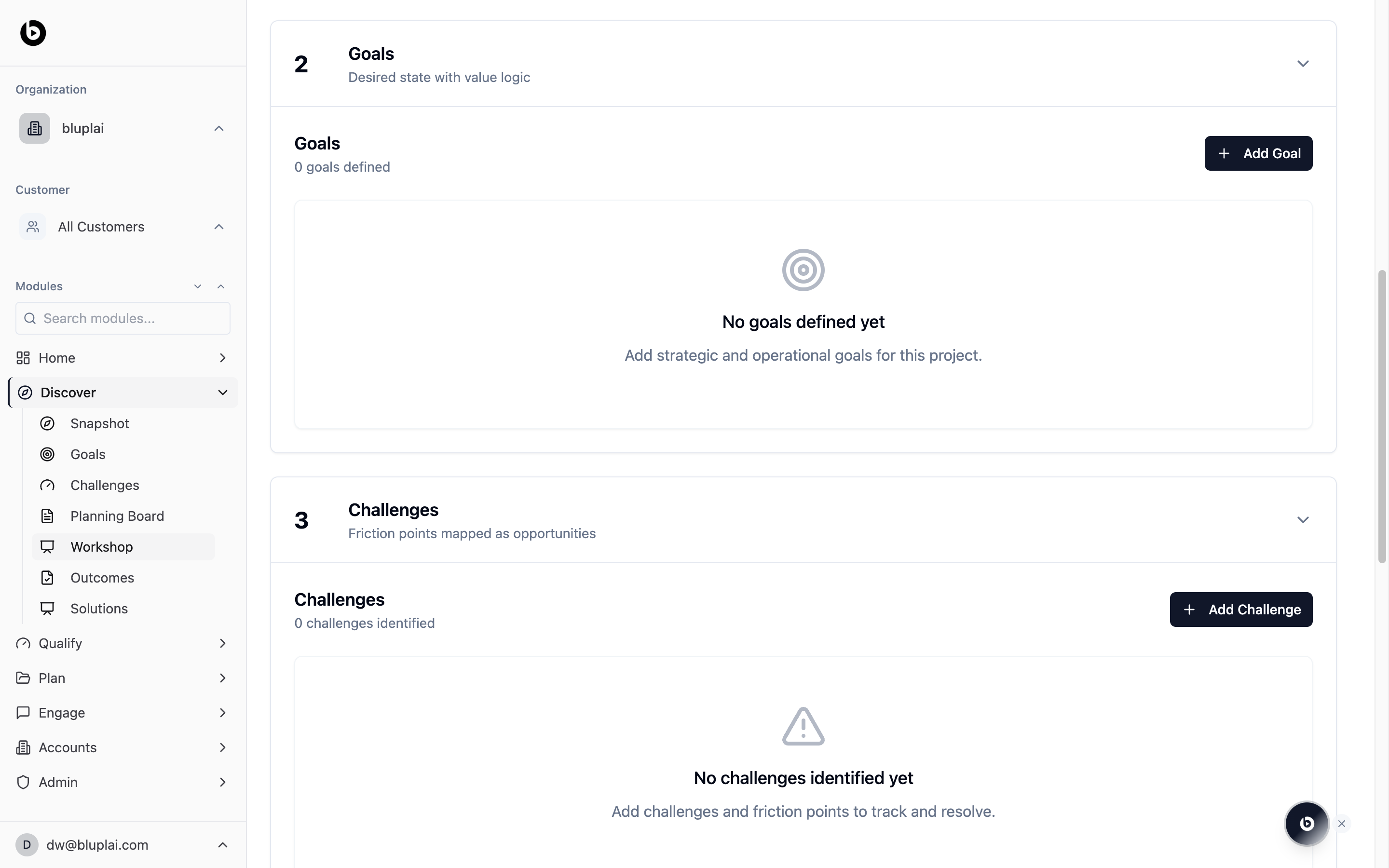
The Workshop section is reachable from the Workshop link in the Discover sidebar, which scrolls the Discover page to the workshop surface. For a new account it opens empty — set up the session, run it with the customer in the room (or on the call), and capture the outputs as you go. Because Discover is a shared workspace, the customer can see what was agreed during the session. That removes the “I don’t remember agreeing to that” problem later in the lifecycle.When to use it
- A kickoff session where you walk the customer through their own Snapshot and confirm what’s right.
- A goal-setting workshop to build the list of desired outcomes together.
- A challenge-mapping session pairing each pain point to a goal.
- A joint session to decide which solution directions are worth exploring further before Qualify.
Next
Planning board
Drop raw notes and ideas from the session onto the shared whiteboard.
Outcomes
Log early-stage outcomes the workshop surfaced.